Rudra Image Optimizer: Bulk Image Optimization WordPress Plugin with WebP, Media Library Upload & SEO
What is Rudra Image Optimizer?
Rudra Image Optimizer is a WordPress image optimization plugin built to handle bulk image optimization directly from any public URL inside your WordPress dashboard. Instead of only working with existing Media Library items, it lets you scan a page, fetch all its images, compress them, optionally upload them to your Media Library, and download optimized files you can use in any project.
This plugin focuses on helping you compress images in WordPress, convert them to modern formats like WebP, optimize images for speed, and streamline your workflow for Core Web Vitals and SEO.
Why another WordPress image optimization plugin?
Most tools try to be the “best WordPress image optimizer plugin” for images already in your Media Library. In real client work, there are extra pains:
- You audit sites where you do not have admin access.
- You want to run quick image optimization for SEO audits before pitching a project.
- You prepare a migration or redesign and need optimized images ready in advance.
- You want a fast way to push optimized assets into the Media Library without manual uploads.
For these cases, a bulk image optimization WordPress workflow that works from any URL and can push final assets into the Media Library is much more practical.
Key features: bulk image optimization from any URL
Rudra Image Optimizer adds a simple admin screen where you can run bulk image optimization for any public webpage.
You can:
- Paste any public webpage URL.
- Let the plugin scan and extract image URLs from that page.
- Choose output format: WebP, JPEG, or PNG.
- Set quality and optional max width to compress images in WordPress without losing visual quality.
- Run optimization and then download optimized images in bulk.
This makes it a useful image optimization tool for SEO audits and performance reviews, especially when you need to show before/after results to clients.
Upload optimized assets into the Media Library
Beyond simple download, the plugin also supports uploading optimized images directly into your WordPress Media Library.
You can:
- Upload individual optimized images into the Media Library from the results table.
- Select multiple items and upload them in bulk once you are happy with the optimizations.
This turns the plugin into a smooth bridge: you start with images from any URL, run bulk optimization, then send the final assets straight into the Media Library without a separate manual upload step.
Real‑time upload progress and media URLs for developers
To make the workflow more transparent and developer‑friendly, Rudra Image Optimizer includes:
- Real‑time upload progress visuals when you push images to the Media Library, so you can see which files are in progress, completed, or failed and avoid guessing what is happening.
- Real‑time Media Library URLs for each optimized image in the list once it is uploaded, so you can copy the final media URL directly from the interface.
This is especially helpful for developers who want to quickly grab a ready‑to‑use image path for templates, custom code, or external tools without opening the full Media Library and searching manually.
How it helps optimize images for speed and Core Web Vitals
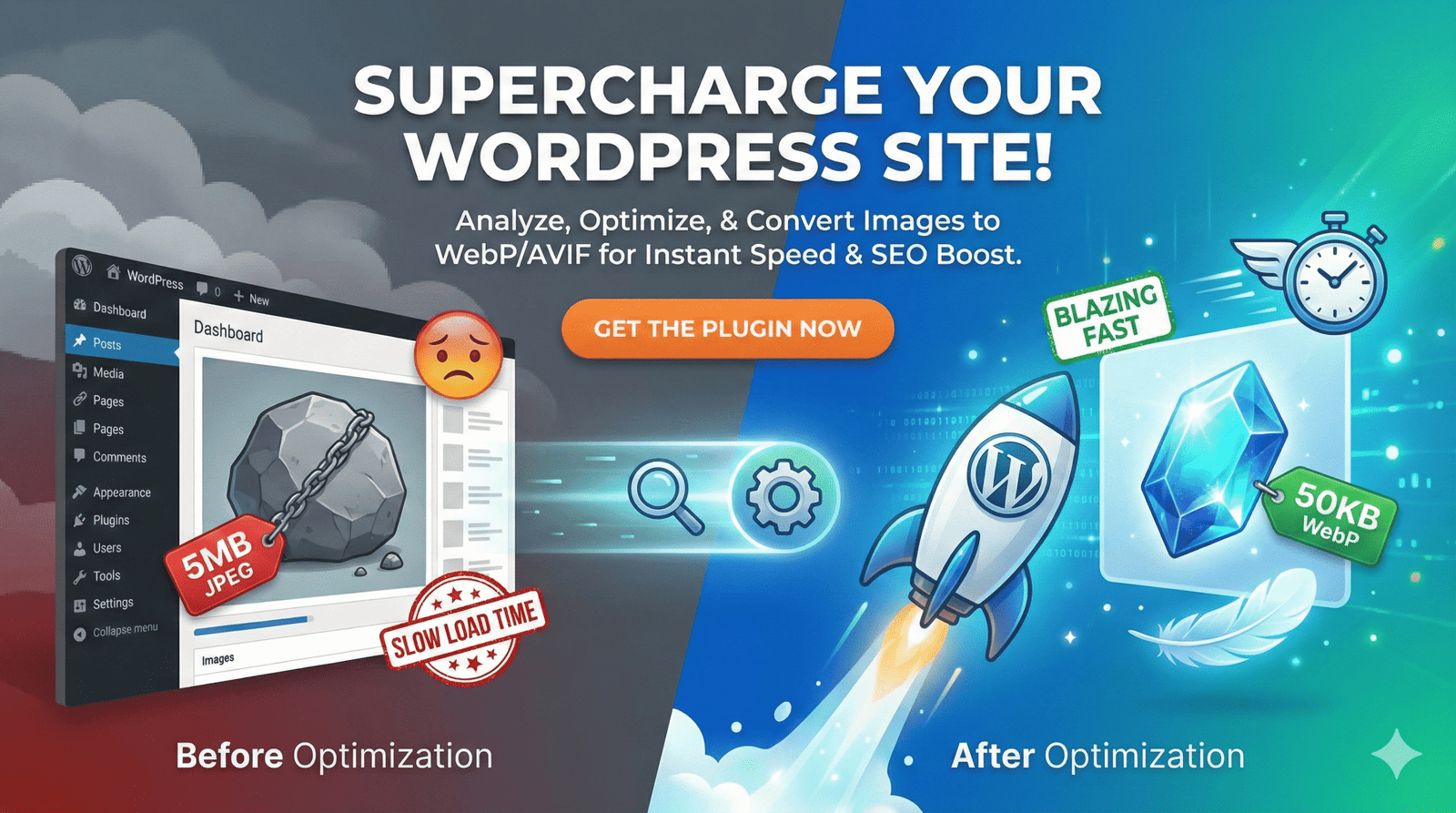
When you optimize images for speed, you directly impact metrics like Largest Contentful Paint (LCP) and overall loading time. Heavy hero images and uncompressed banners are often the biggest reason for poor scores in PageSpeed Insights and other Core Web Vitals tools.
Rudra Image Optimizer helps you:
- Convert images to WebP in WordPress for better compression compared to JPEG/PNG.
- Reduce file sizes through adjustable quality and optional resizing.
- Push optimized images straight into the Media Library and immediately use them on your pages.
- Prepare lightweight assets before uploading to any website or CMS.
Used regularly, it supports image optimization for Core Web Vitals and improves the performance baseline for your projects.
How Rudra Image Optimizer works (high level)
Under the hood, the plugin:
- Fetches the HTML of the URL you enter.
- Parses the page to find image tags and common patterns where images are used.
- Downloads those images to your server.
- Uses the GD extension in PHP to compress and convert them (including WebP when available).
- Stores optimized versions in a dedicated folder for download, and optionally uploads them into the Media Library with real‑time progress feedback.
This design keeps all processing inside your WordPress environment and gives you a repeatable bulk image optimization WordPress workflow you can run on any URL.
Who should use this plugin?
Rudra Image Optimizer is built for people who live in audits, performance, and client work:
- SEOs and consultants who need an image optimization tool for SEO audits and want to show clear before/after numbers in reports.
- Agencies and freelancers who want to quickly compress images in WordPress for sample pages and then upload the optimized assets into the Media Library.
- Developers who need to optimize images for speed and quickly grab real‑time Media Library URLs for use in templates or custom code.
- Content and marketing teams preparing optimized image sets before publishing new landing pages.
If you regularly run performance checks or Core Web Vitals audits, this plugin can save significant manual effort.
Requirements and technical notes
To use Rudra Image Optimizer smoothly, your setup should have:
- WordPress 5.0 or higher.
- PHP 7.2 or higher.
- GD extension enabled with support for JPEG, PNG, and ideally WebP.
- Reasonable memory limits if you deal with very large images.
The plugin runs only inside the admin area and never affects front‑end visitors. It does not alter the remote site you analyze; it just fetches public images, processes them locally, and lets you download or upload optimized versions to the Media Library.
Roadmap and future ideas
Right now, Rudra Image Optimizer focuses on doing bulk image optimization from a single URL, plus a smooth path into the Media Library. Some potential future enhancements include:
- Multi‑page crawling to gather images from a set of URLs.
- More detailed reports (per‑image savings, total weight reduction, suggestions).
- Extra controls for power users, like concurrency limits or error handling tweaks.
Feedback from real SEO, developer, and content workflows will heavily influence what gets added next.
Getting started
You can install Rudra Image Optimizer directly from the WordPress plugin directory:
- Go to Plugins → Add New and search for “Rudra Image Optimizer”, or
- Visit the plugin page on WordPress.org and install it from there.
Once activated, open the plugin page in your dashboard, paste any public URL, run your first bulk image optimization WordPress test, and then upload the best images into your Media Library with real‑time upload progress. Use the generated media URLs wherever you need them, from templates to landing pages, and bring those optimized assets into your next SEO audit or performance case study.