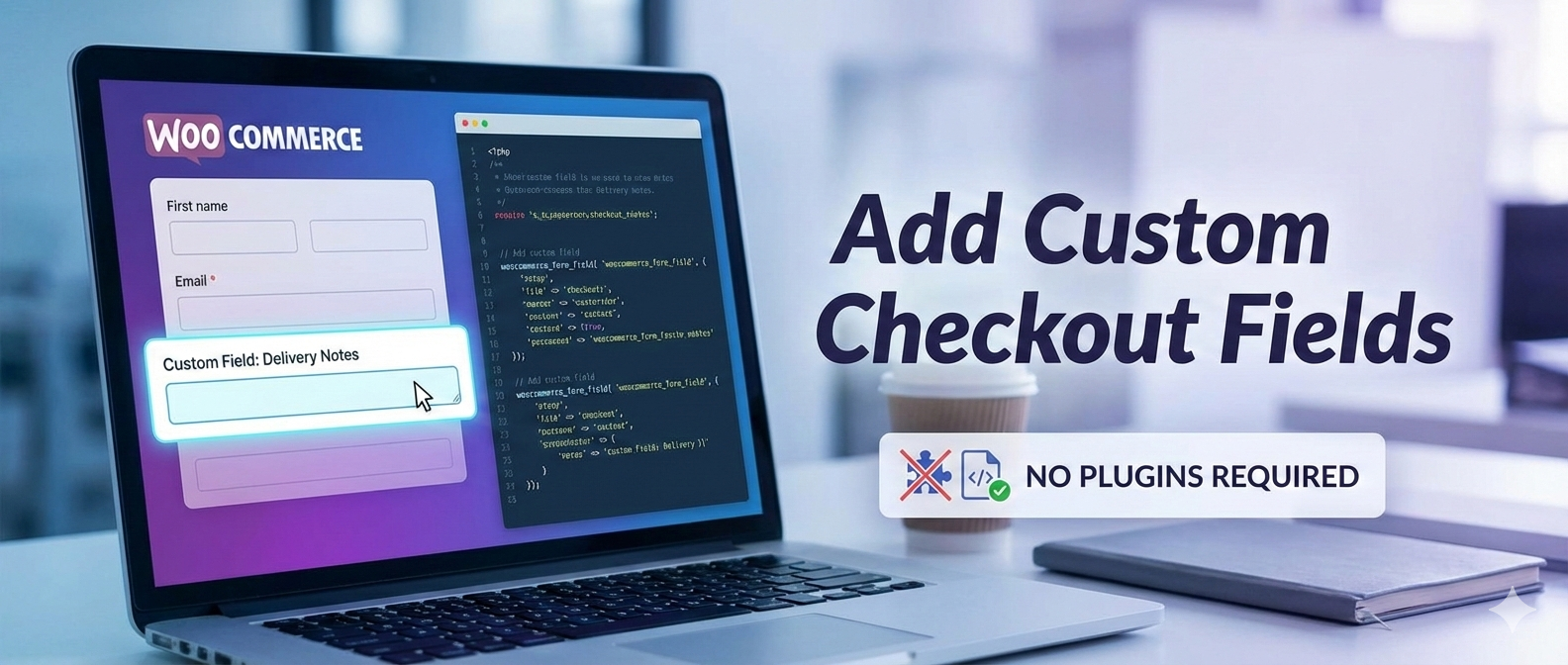
How to Add a Custom Checkout Field in WooCommerce Without Using a Plugin
Introduction
Many online stores require additional customer details during checkout—such as GST number, WhatsApp contact, delivery instructions, or internal reference IDs. While plugins can solve this quickly, they often introduce performance overhead, compatibility risks, and limited flexibility.
In this guide, you will learn how to add a custom checkout field in WooCommerce without using any plugin, using clean PHP hooks that are update-safe and production-ready.
This approach is ideal for developers who want full control over validation, storage, and display logic.
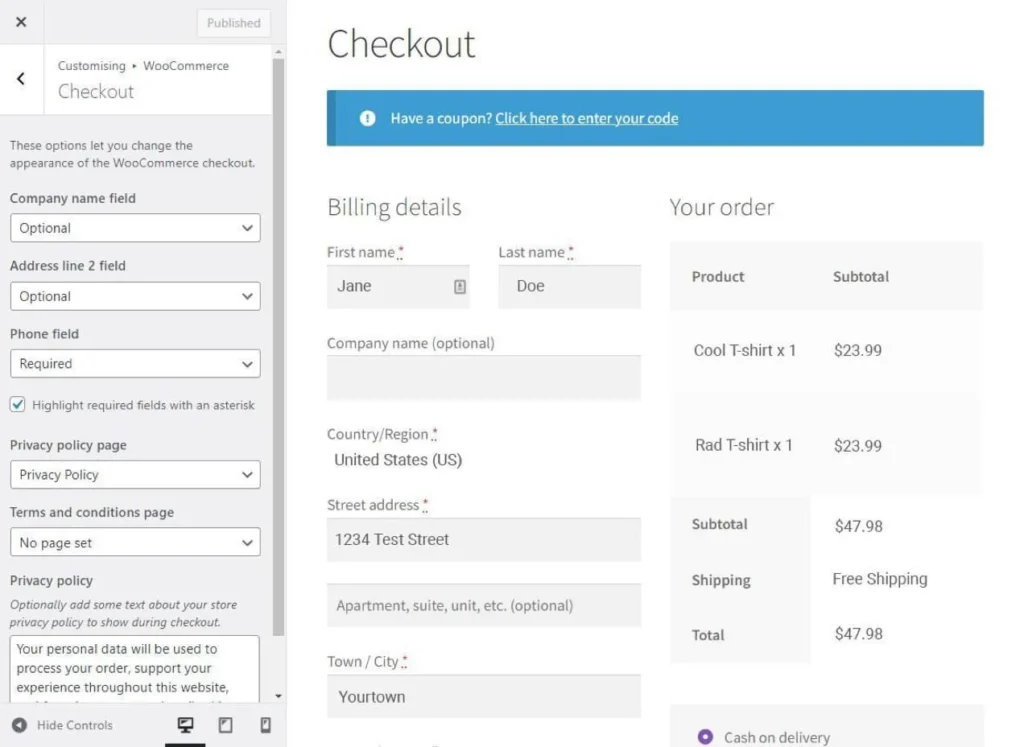
Why Avoid Plugins for Checkout Customization?
Plugins:
- Load unnecessary scripts and styles
- Increase checkout load time
- Break after WooCommerce updates
- Limit custom validation logic
Using native hooks ensures:
- Better performance
- Full control
- Long-term stability
Example Requirement
We will add:
- A WhatsApp Number field
- Required validation
- Save value to order meta
- Display it in Admin order panel
Step 1: Add Custom Field to Checkout Page
Add this code to functions.php or a custom plugin.
add_filter('woocommerce_checkout_fields', 'rudra_add_whatsapp_field');

function rudra_add_whatsapp_field($fields) {
    $fields['billing']['billing_whatsapp'] = array(
        'label'       => 'WhatsApp Number',
        'placeholder' => 'Enter WhatsApp number',
        'required'    => true,
        'class'       => array('form-row-wide'),
        'priority'    => 120,
    );
    return $fields;
}
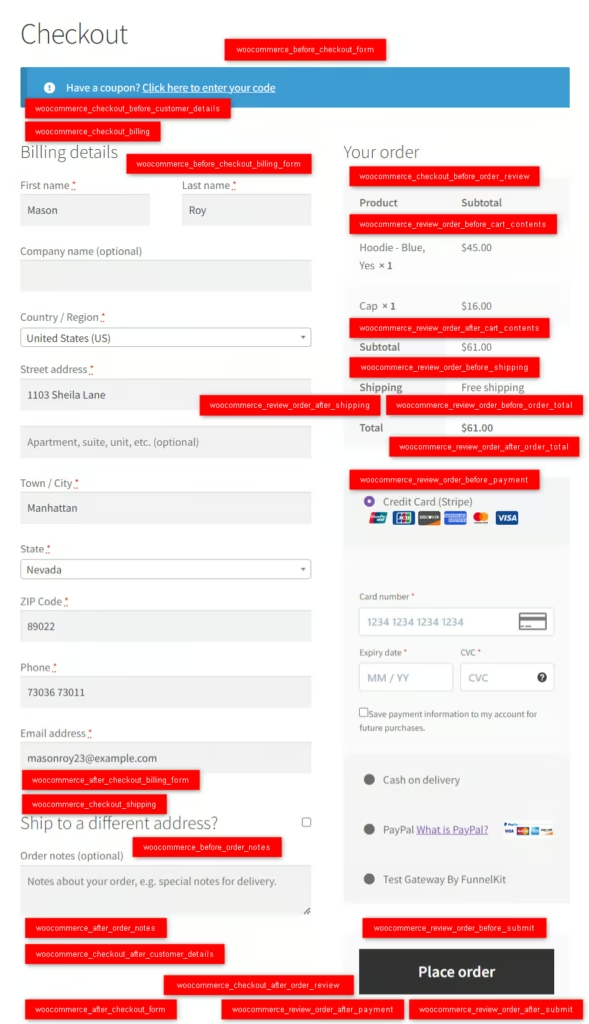
Step 2: Validate the Field
WooCommerce does not automatically validate custom fields.
add_action('woocommerce_checkout_process', 'rudra_validate_whatsapp');

function rudra_validate_whatsapp() {
    if (empty($_POST['billing_whatsapp'])) {
        wc_add_notice('Please enter your WhatsApp number.', 'error');
    }
}
Step 3: Save Field Value to Order Meta
add_action('woocommerce_checkout_update_order_meta', 'rudra_save_whatsapp');

function rudra_save_whatsapp($order_id) {
    if (!empty($_POST['billing_whatsapp'])) {
        update_post_meta(
            $order_id,
            '_billing_whatsapp',
            sanitize_text_field($_POST['billing_whatsapp'])
        );
    }
}
Step 4: Display Field in Admin Order Page
add_action('woocommerce_admin_order_data_after_billing_address', 'rudra_show_whatsapp_admin');

function rudra_show_whatsapp_admin($order) {
    $value = get_post_meta($order->get_id(), '_billing_whatsapp', true);
    if ($value) {
        echo '<p><strong>WhatsApp:</strong> ' . esc_html($value) . '</p>';
    }
}
Common Mistakes to Avoid
- Forgetting sanitization
- Using wrong meta key
- Editing WooCommerce core files
- Not validating required fields
Conclusion
Adding checkout fields using WooCommerce hooks is the cleanest and most scalable solution. This method works with PHP 8+, is update-safe, and avoids unnecessary plugin dependency.
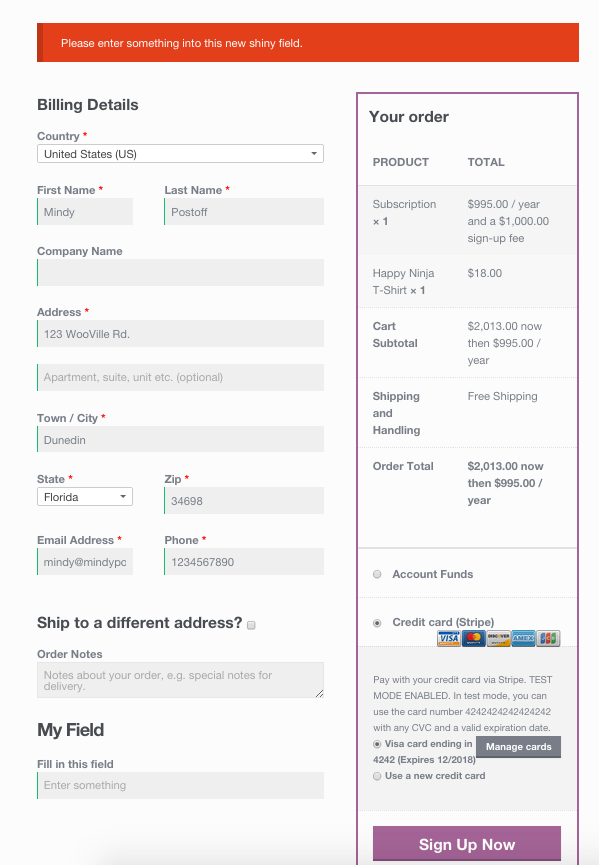
Can I add multiple custom fields in WooCommerce checkout?
Yes, you can add unlimited fields using the same filter with different keys.
Will this work without a child theme?
Yes, but using a child theme or custom plugin is recommended.
Is this method safe after WooCommerce updates?
Yes. Hooks are backward compatible and stable.