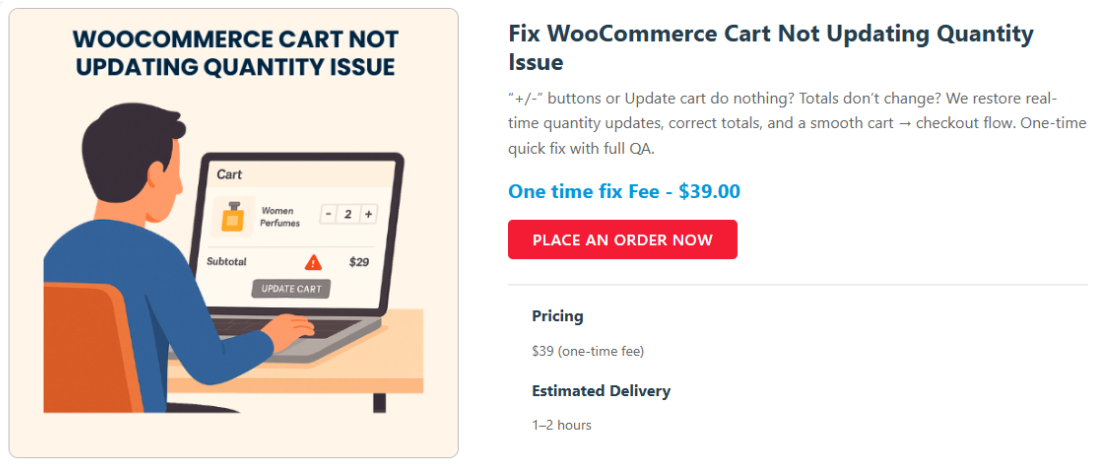
Fix WooCommerce Cart Page Not Updating Quantity (AJAX Issue)
Introduction
A very common WooCommerce issue is when the cart quantity does not update automatically, forcing users to manually click “Update Cart” or refresh the page. This negatively impacts user experience and conversion rate.
In this article, we’ll fix this issue using a simple AJAX-based solution.
Why This Issue Happens
Common causes include:
- Theme overriding cart templates
- Disabled AJAX cart updates
- JavaScript conflicts
- Aggressive caching plugins
Quick Fix: Auto Update Cart on Quantity Change
Add the following script to your theme.
add_action('wp_footer', 'rudra_auto_update_cart');
function rudra_auto_update_cart() {
    if (is_cart()) {
        ?>
        <script>
        jQuery(function($){
            $('div.woocommerce').on('change', 'input.qty', function(){
                $('[name="update_cart"]').prop('disabled', false);
                $('[name="update_cart"]').trigger('click');
            });
        });
        </script>
        <?php
    }
}
Enable AJAX in WooCommerce Settings
Go to:
WooCommerce → Settings → Products
Enable:
- “Enable AJAX add to cart buttons on archives”
Disable Cache on Cart Page
If you use caching plugins:
- Exclude
/cartand/checkout - Disable minification temporarily for debugging
How to Debug JavaScript Conflicts
Open browser console:
- Look for
Uncaught TypeError - Disable plugins one by one
- Switch temporarily to Storefront theme
Conclusion
This issue is frontend-based, not WooCommerce core related. The above fix solves 90% of real-world cases and significantly improves checkout UX.
Why does WooCommerce not update cart quantity automatically?
This usually happens due to theme overrides, disabled AJAX settings, JavaScript conflicts, or caching plugins.
Is this issue caused by WooCommerce core?
No. In most cases, the issue is caused by the active theme or third-party plugins, not WooCommerce itself.
Will enabling AJAX slow down my website?
No. AJAX cart updates improve user experience and do not negatively impact performance when implemented correctly.
Should I disable cache completely for cart and checkout pages?
Yes. Cart and checkout pages should always be excluded from page caching to avoid session-related issues.
Does this fix work for mobile devices as well?
Yes. The solution listens for quantity input changes and works across desktop and mobile devices.